
Android 16 QPR2 Arrives: 3 Game-Changing Features You Need to Check Out
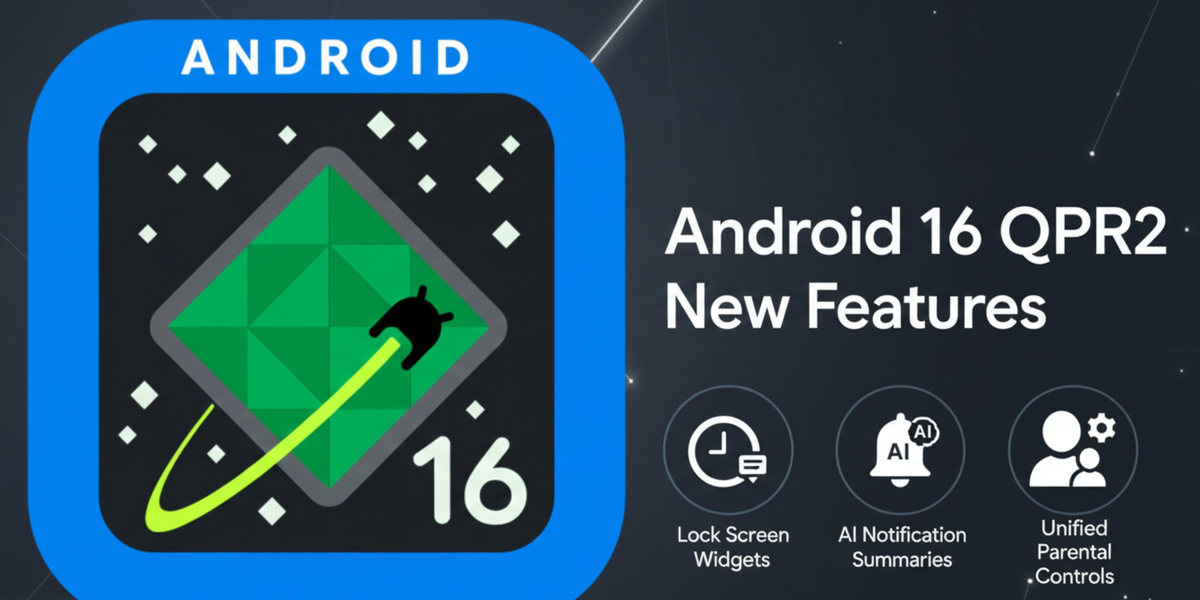
The days of waiting a full year for meaningful new Android features are officially over. Google has delivered a powerful mid-cycle upgrade with the stable rollout of Android 16 Quarterly Platform Release 2 (QPR2), and it’s packed with quality-of-life improvements, especially for Pixel users.
While QPRs typically focus on polish and stability, this one introduces several major, user-facing changes designed to improve your focus, security, and access to information.
Here are the three biggest new features in Android 16 QPR2 you should explore right now.
1. Lock Screen Widgets: Information, One Swipe Away
Pixel phones are finally getting a feature that has been on the Pixel Tablet (and other platforms) for a while: interactive widgets on the lock screen.
Before QPR2, your lock screen was primarily for notifications and the clock. Now, a simple swipe left reveals a new feed where you can place glanceable widgets.
Why this matters:
- Quick Access: You can check your calendar, weather, to-do list, or favorite fitness stats without fully unlocking your phone.
- Privacy Control: Google implemented smart security here. While you can view the widgets without authenticating, you are required to use your PIN, pattern, or fingerprint to open the corresponding app or view sensitive details.
- How to Enable: Head to Settings > Display & touch > Lock screen > Widgets on lock screen and toggle the feature on.
This turns your lock screen into a functional dashboard, blending the best of Apple’s lock screen updates with Android's powerful widget ecosystem.
2. The AI of Calm: Notification Organizer & Summaries
If your notification shade is a constant source of stress, this update is for you. Android 16 QPR2 leverages on-device AI to finally organize your digital chaos.
Feature A: Notification Organizer
The new organizer automatically groups and minimizes your low-priority alerts. Think: promotions, sales newsletters, social media likes, and other non-urgent items.
- The Result: Your main notification area stays clean, reserved only for crucial, high-priority messages (like text messages, calls, or banking alerts). Low-priority items are neatly stacked at the bottom, represented by small app icons, ready for you to browse when you have the time.
Feature B: AI Summaries
Building on previous AI features, the system can now condense long, sprawling messages—especially in busy group chats—into a single, easy-to-read line of text. This provides you with the context you need at a glance, allowing you to decide whether the conversation needs your immediate attention.
3. Unified Parental Controls Hub
Managing digital rules for kids and teens just became dramatically simpler. Google has moved the parental controls interface out of Digital Wellbeing and into its own unified section within Android Settings.
Why this is a huge improvement for families:
- Single Source of Truth: Parents can now manage all aspects of their child’s device directly from this centralized hub.
- Simplified Management: You can easily set daily screen-time limits, approve or block app usage, and create a scheduled downtime (like locking the screen during homework or bedtime).
- Family Link Integration: The new hub provides a seamless connection to the full power of Google Family Link, making the entire setup and management process far more intuitive and efficient.
More Under the Hood: The Honorable Mentions
While those three are the headliners, Google packed QPR2 with plenty of other refinements:
- Custom Icons: You now have more shapes to choose from in Wallpaper & style, further customizing the look of your home screen.
- Expanded Dark Theme: The "Expanded dark theme" option now automatically darkens even more third-party apps that don't natively support dark mode, ensuring a consistent viewing experience and better battery life.
- HDR Brightness Control: A new Enhanced HDR brightness slider lets you manually adjust the intensity, giving you more control over that powerful, often blindingly bright, high-dynamic-range content.
The Android 16 QPR2 update is rolling out now to supported Pixel devices (Pixel 6 series and newer). If you haven't received the notification, you can manually check by going to Settings > System > System update and tapping Check for update.
Comments ()